

Coding for Districts & Charters
Programming, projects and problem-solving for grades 1–12. Delivered through district and charter school partnerships.

Why include coding in your school program?
Coding gives students a way to create and test ideas. Through guided projects, they can practice logic, break a task into steps, debug mistakes and explain how a program works.
Teach Me Technology plans coding instruction with school districts and charter schools. We match the starting level, activities, delivery format and support to your student groups. Existing participants can use the login link provided for their assigned platform.
Explore our charter school partnerships for school-based planning.
Text based coding
< >
Text based coding < >

From visual coding to text-based programming
Discuss Scratch, Python, JavaScript, Java, Lua or C# pathways, along with web and game projects. Available courses, platform licenses, prerequisites and age suitability are confirmed in your school proposal.


Classes learn at their own pace.

Explore the learning environment
The examples below illustrate course interfaces and project activities. Current platform features and course availability are confirmed during planning.
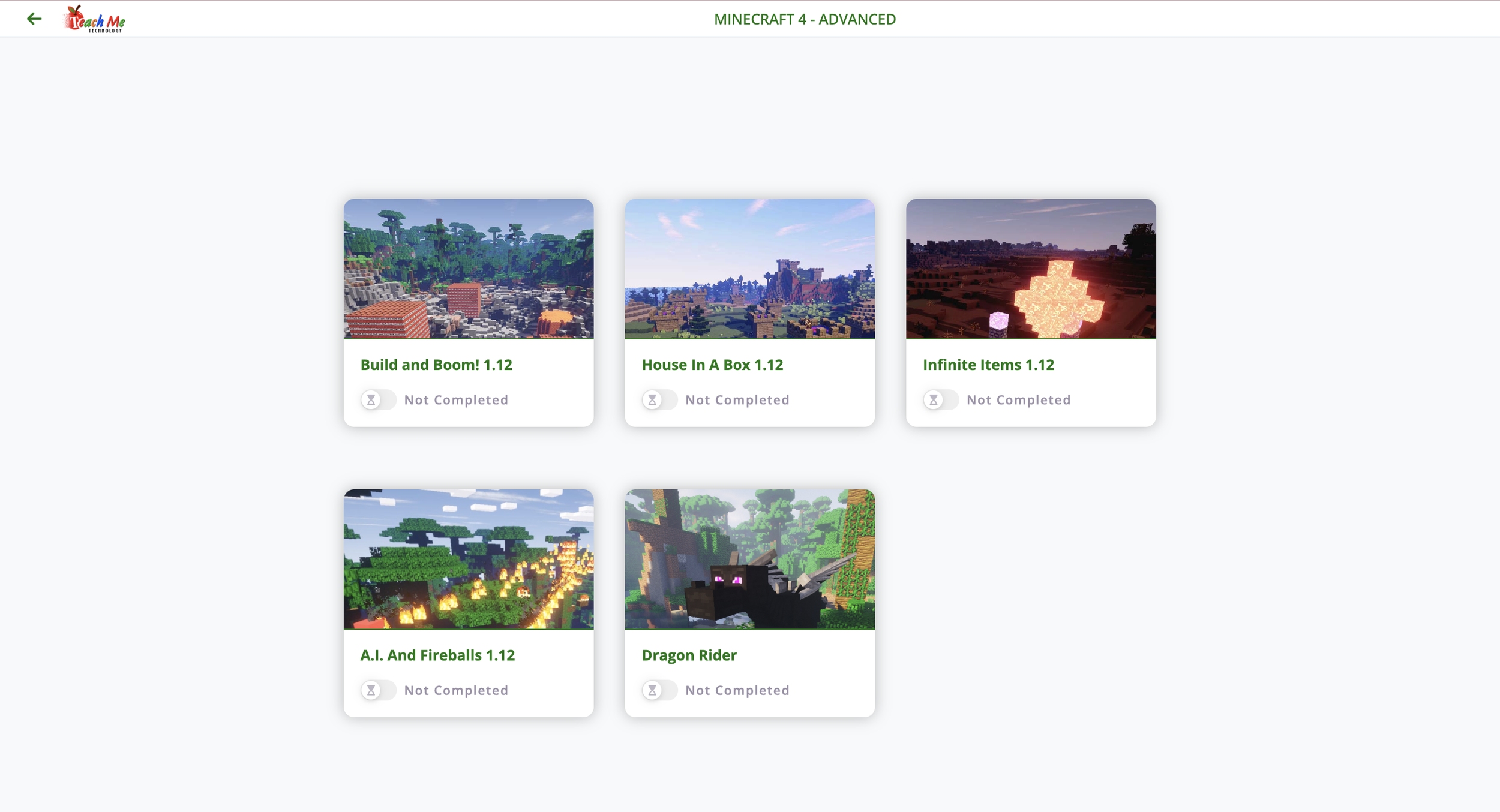
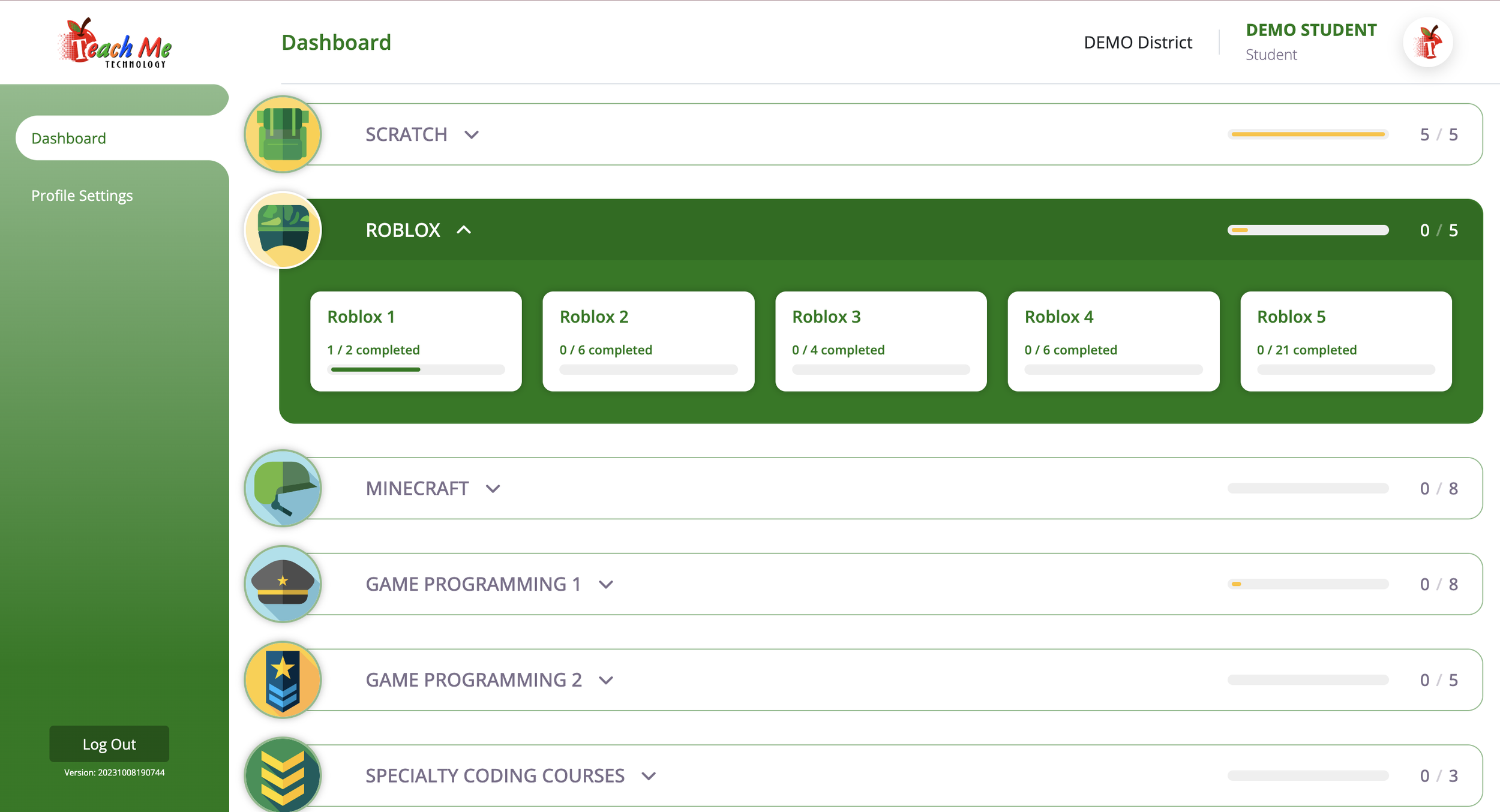
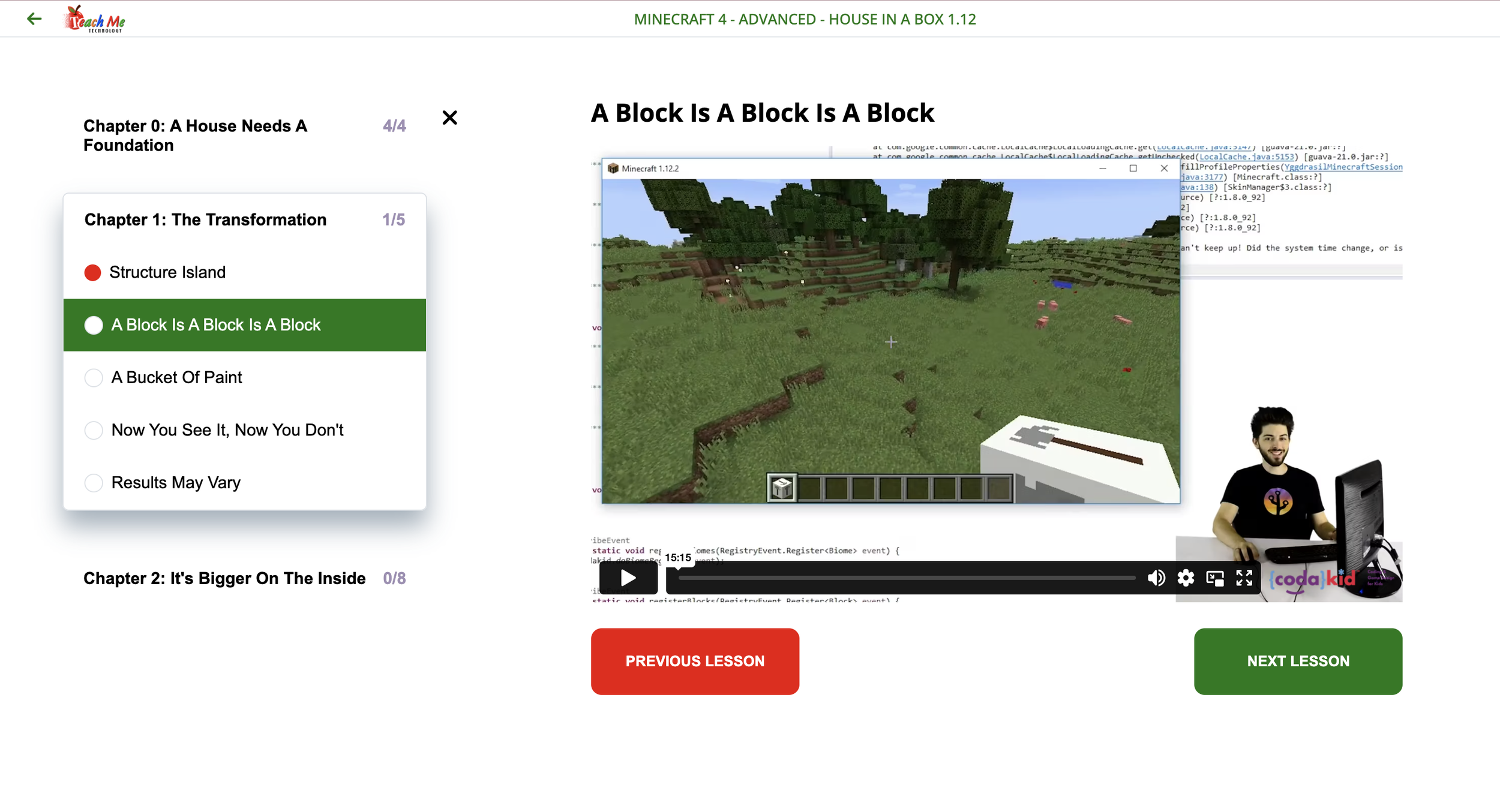
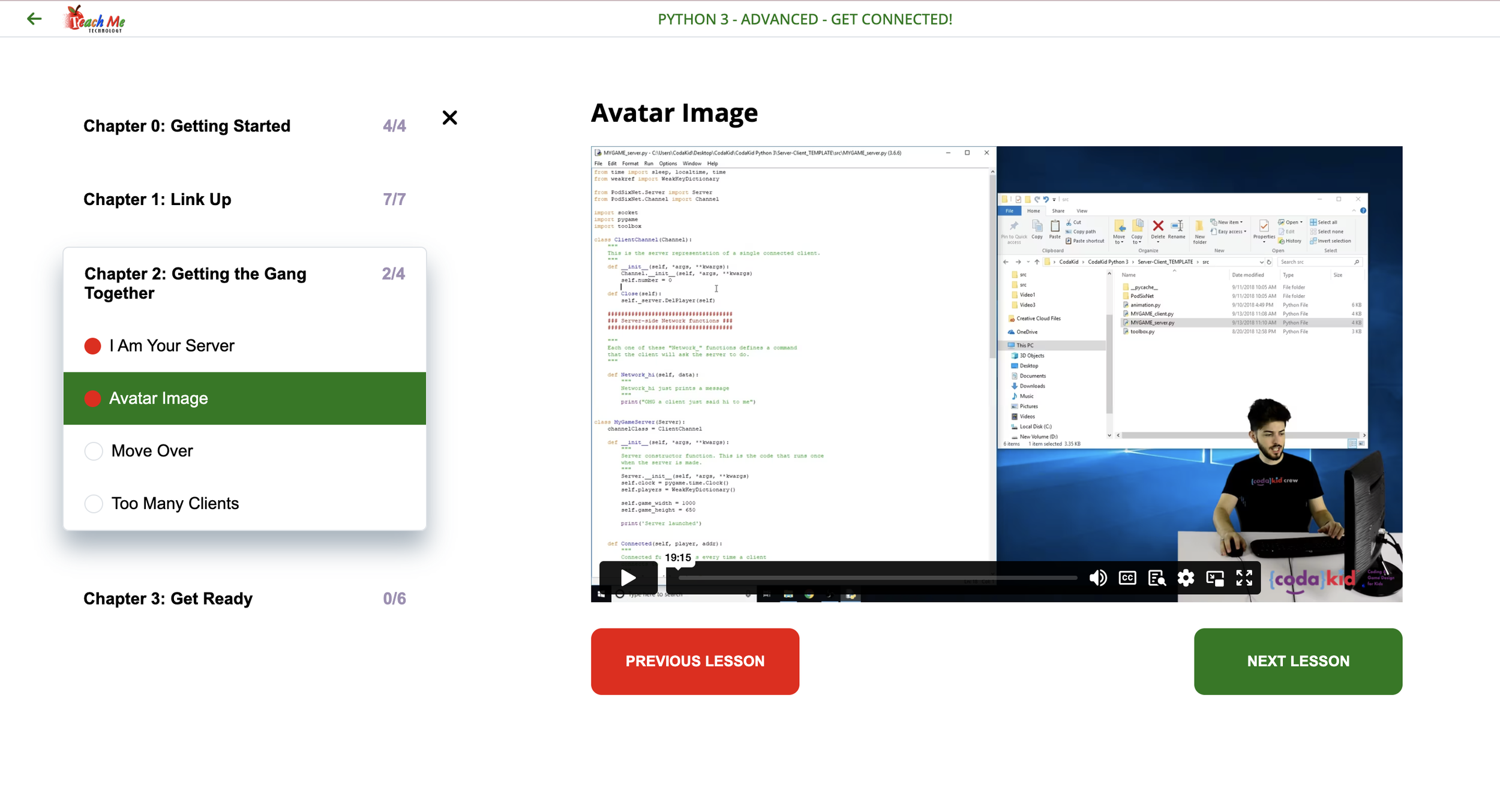
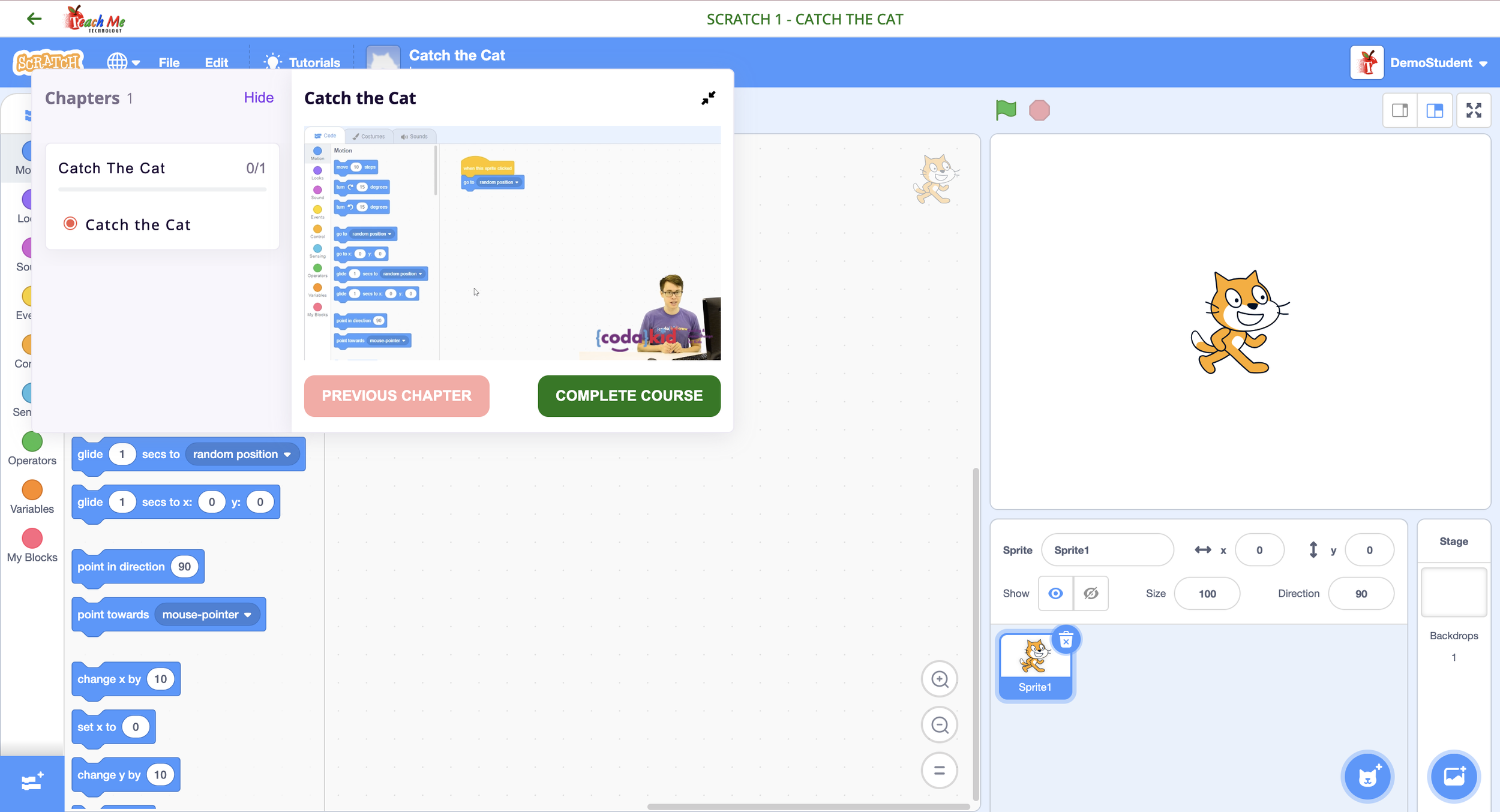
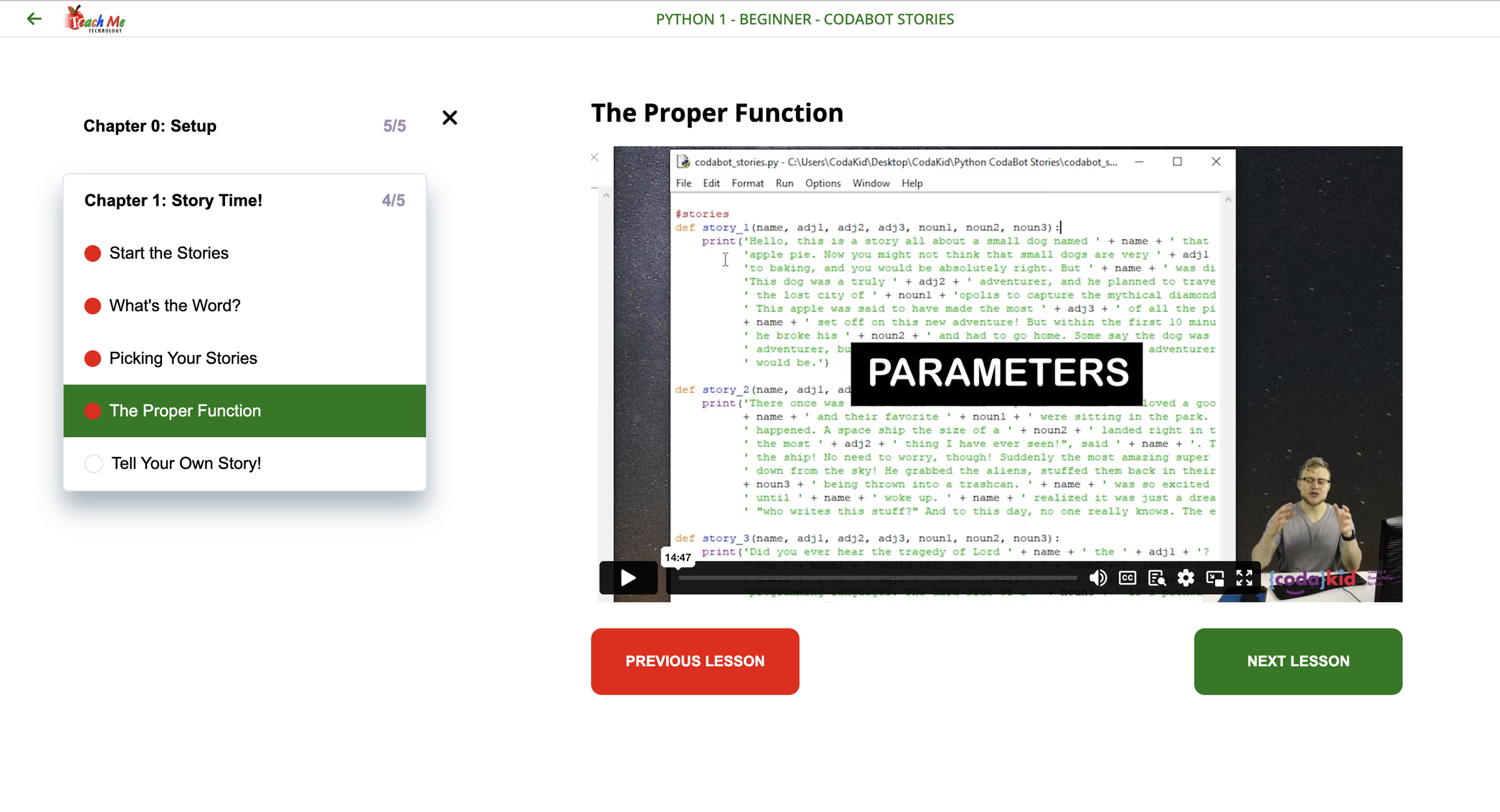
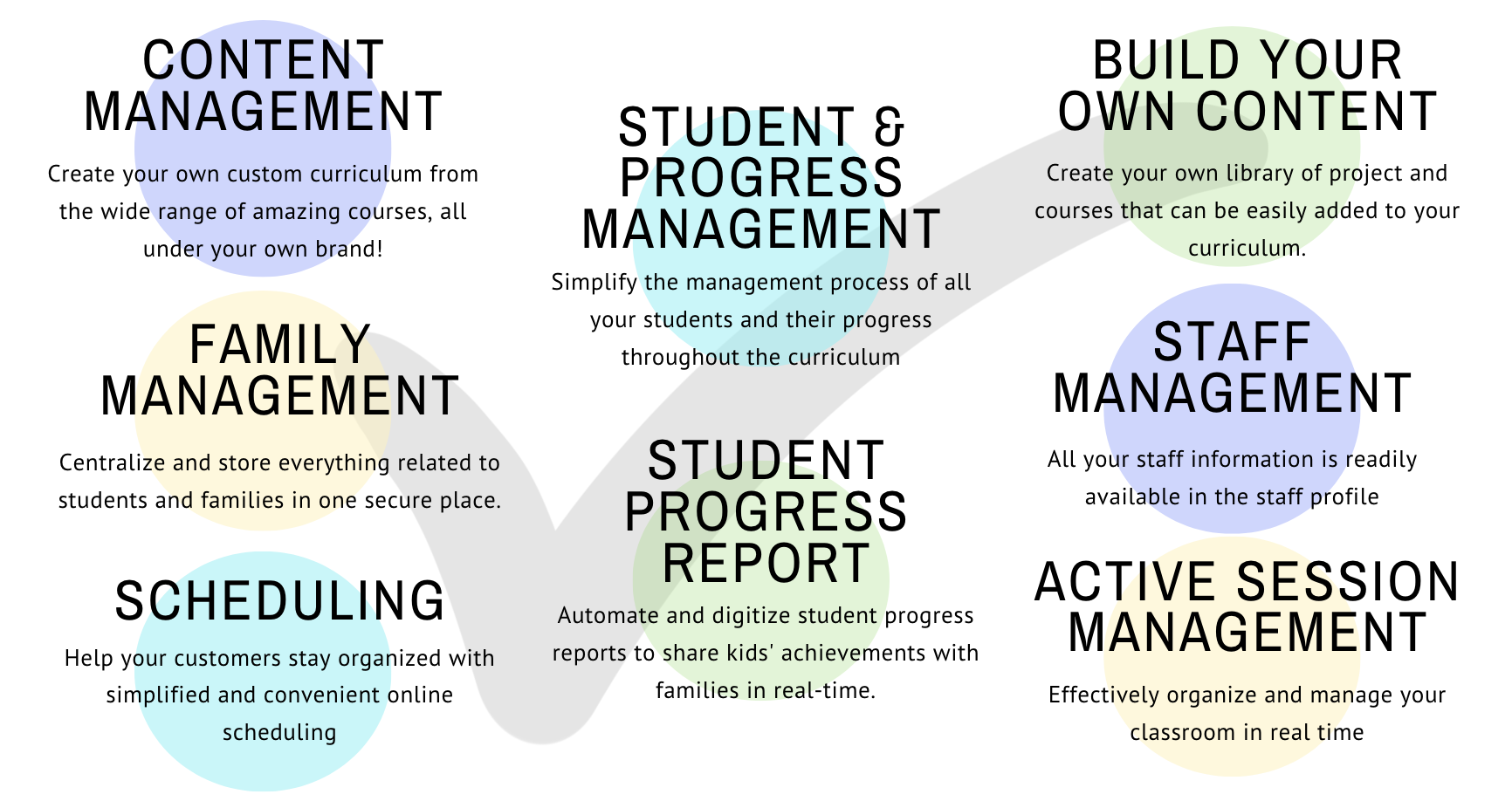
Multiple features for your school’s ease of use.

Skills students can practice through coding
Set learning goals with your school team. Participation, projects and program-specific assessments can inform progress reviews; higher academic test scores are not guaranteed.
MATH
Use sequences, patterns and calculations in a project to connect mathematical ideas with something students can build and test.
WRITING
Plan instructions, document choices and explain how a project works. These activities give students opportunities to practice clear communication.
CREATIVITY
Try different approaches, design original projects and revise a solution after testing it.
CONFIDENCE
Work through manageable challenges and discuss what changed after debugging. Confidence is a learning goal, assessed in context rather than assumed.
CODING PAVES A PATH TO THE FUTURE.
MORE POSSIBILITIES FOR YOUR STUDENTS.
EMPOWERMENT
Students can use coding projects to investigate a problem and build a possible solution.
LIFE SKILLS
Coding is a basic literacy in the digital age, and it’s important for students to understand – and be able to innovate with – the technology around them.
CAREER PREP
The technological impact of computer science will continue to expand as today’s youth begin joining the workforce.

Plan a district or charter coding program
Share your grades, sites, available devices and preferred schedule. School programs are arranged through district and charter school contracts.
Review the student STEAM catalog, after-school delivery options, and educator development when planning your coding scope.
Request a District or Charter Partnership Proposal
(661) 520-9083
info@teachmetechnology.org
Families should contact their school or district for participation information.
Existing participants: Coding Academy login.